PS2 Converter (Video/Audio)
So to get video/audio from my PS2 to my monitor and speakers I use a converter. This takes the PS2 AV multi out port and converts it into something more suitable for a modern TV (e.g. HDMI).
My First Setup
When I had my initial setup to the TV in my living room I was using a super cheap £15 converter from Amazon.
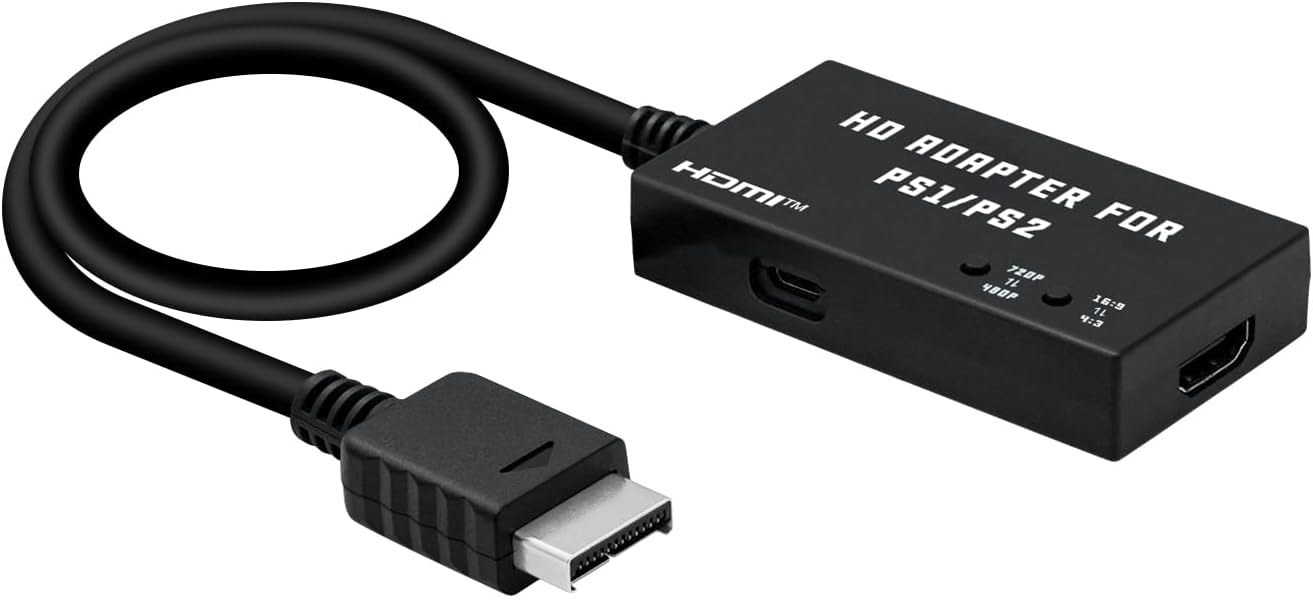
Mcbazel PS1/PS2 To HDMI Adapter,Multifunctional HDTV HDMI Cable Adapter for PS1/PS2
This as I mentioned in PS2 monitor page first setup, the quality was not perfect but the imperfections became easy enough to ignore when just sitting and playing for a bit.
Attempted Upgrades
So after getting a HP E190i Elite Display monitor to use as a screen I needed to split the audio and video as the monitor didn’t have built in speakers.
My first attempt was to get another cheap converter but with an aux output too. However for some reason the HDMI output would not work on any monitor or TV I tried it on so that was sent back to Amazon.
Next I thought I would research what was be best converter and upgrade what I had. RetroTINK seems to on a regular basis come up as the best money can buy but stock always seemed to be very limited and the top models that people rave about were super expensive. So instead I went looking for something cheaper and easier to buy than the top RetroTINK but better than the cheap converter I already had.
I landed on the Open Source Scan Converter (OSSC). Regarded as a good quality converter for retro gaming with plenty of inputs and outputs. This was a mistake. I have no doubt it is a good converter for retro consoles but for the PS2 not so much.
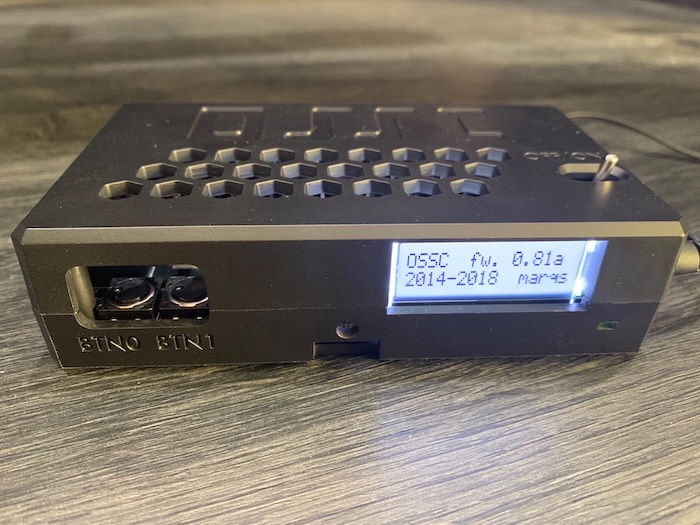
Because the PS2 games generally output in 480i or 576i it means it sends 240 or 288 rows of video data followed
by alternating the other rows of data in quick succession. Usually, say on an old CRT from the time the two alternate so
fast that they “blend” to the eye giving the illusion of 420 or 576 rows of video data.
When passing through the OSSC the converter uses bob interlacing and the effect is a constant “bobbing” up and down or flickering on the screen. Some people add extra effects to the conversion by turning on scan lines in the OSSC to mimic the CRT look on a modern display but the bobbing is still there and for me was too distracting to be able to play.
The Current Setup
First of all I got a good quality PS2 to scart cable. I got this from https://www.retrogamingcables.co.uk/ and was really pleased with the quality of the cable they sent.
PlayStation 2 /3 PS2 RGB SCART PACKAPUNCH cable + Composite Sync CSYNC
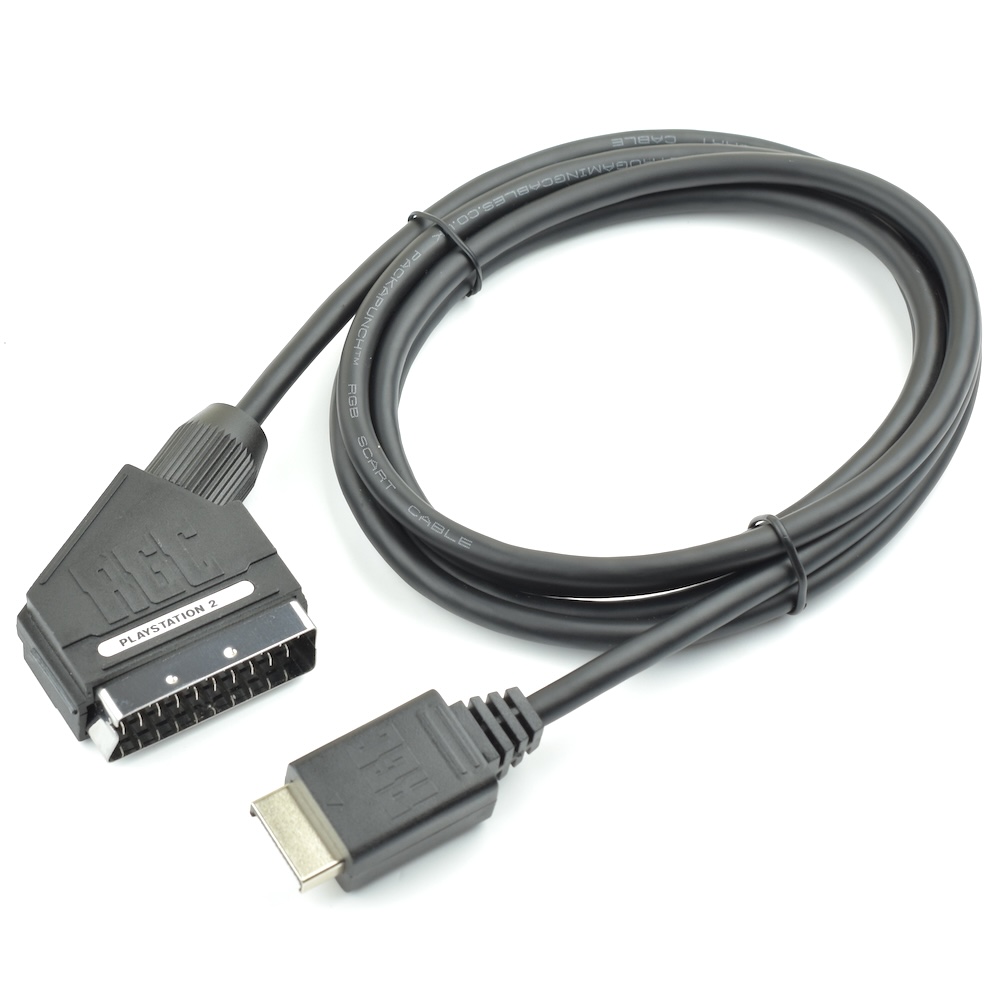
There’s 2 PS2 to scart cables types on retrogamingcables, “sync on luma” or “composite sync CSYNC”. The difference is how video sync signal is sent. Sync on luma on top of the brightness channel or CSYNC a dedicated sync signal. The PS2 only outputs sync on luma so PS2 scarts with CSYNC have a chip inside that extracts the data from the luma channel and sends a clean dedicated sync signal. Apparently the Mcbazel GBS-C expects a clean CSYNC signal or it may have some video quality side effects.
Next the converter and as mentioned above I chose the Mcbazel GBS-C. I used the VGA output to my monitor and with no tweaks it looked brilliant.
I did later use the setting web UI to adjust the screen fit removing the small black bands from the sides. This
stretches the video output slightly but it’s hardly noticeable as the 5:4 aspect ratio is pretty close to 4:3.
My audio comes from the Mcbazel aux output to my speakers and with that I have what I think is a really solid setup.
Other inputs/outputs
I’m not using these on the Mcbazel GBS-C but worth noting, I could later use them for other console possibly.
Inputs
- VGA
- Stereo
- YPbPr
Outputs
- HDMI